Python Automation Course Outline
Course Overview
- Prerequisite: Python Fundamentals Completed
- Duration: 3 Months
- Lectures: 3 per Week
- Total Weeks: 12 Weeks
- Level: Intermediate
- Modules: 8 Modules
- Projects: 6 + Final
- Focus: Real-world automation across business, freelancing, and personal productivity.
Course Modules at a Glance
Module 1 — Excel & Data Automation
Weeks 1–2
- openpyxl
- pandas
- Charts
- Merge/split reports
Module 2 — PDF Automation
Weeks 3–4
- PyPDF2
- reportlab
- pdfplumber
- Bulk PDFs
Module 3 — Email Automation
Weeks 5–6
- smtplib
- IMAP
- Bulk email
- Scheduling
Module 4 — Web Scraping
Weeks 7–9
- BeautifulSoup (BS4)
- Selenium
- APIs
- Price tracker bot
Module 5 — File & Folder Automation
Weeks 10–11
- os
- watchdog
- Pillow
- Backup automation
Module 6 — Google Workspace
Weeks 12–13
- Docs API
- Calendar API
- Sheets API
Module 7 — LLM & AI
Weeks 14–15
- OpenAI API
- Summarize
- Extract
- Generate
Module 8 — Scheduling
Week 16
- schedule
- cron
- Task Scheduler
- Run logging
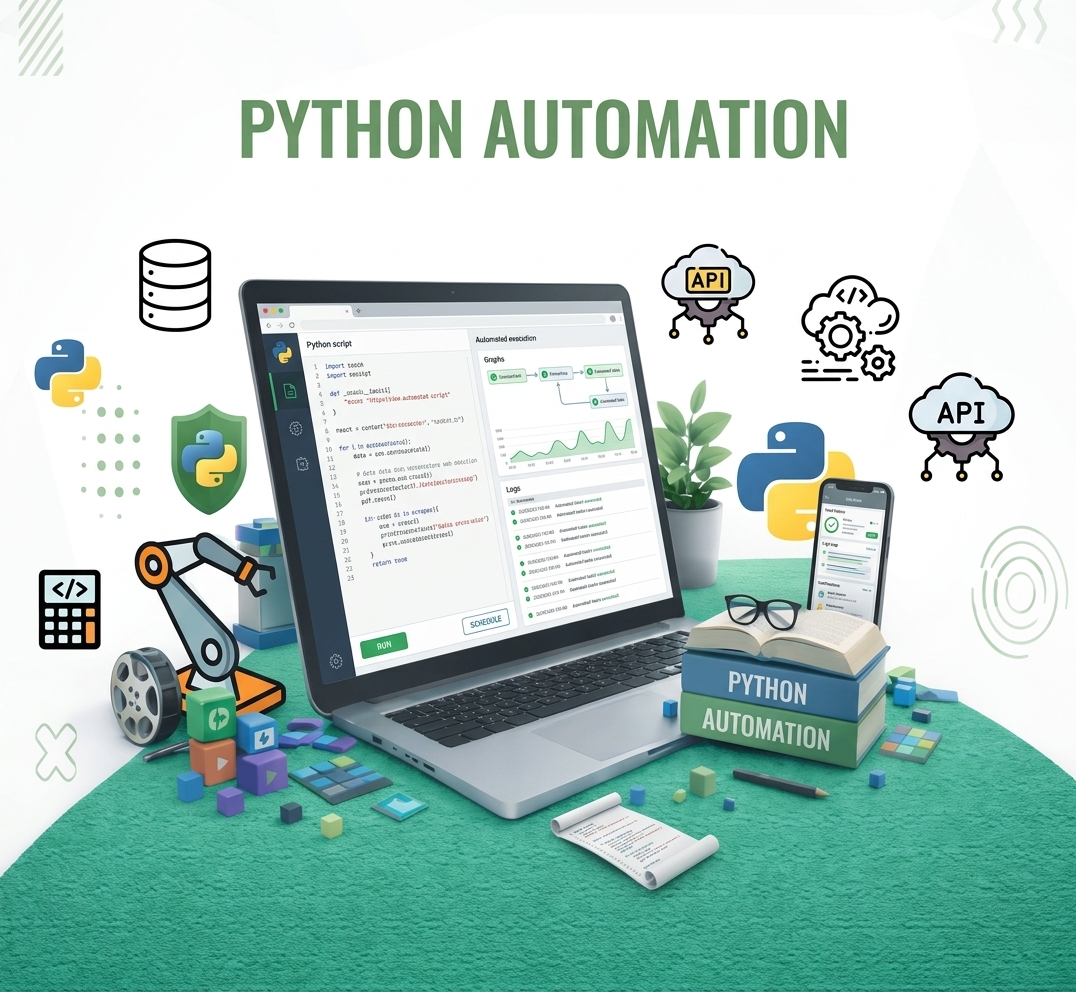
Course Title: PYTHON AUTOMATION
Advanced Course — Post Fundamentals
Excel • PDF • Email • Web Scraping • File Automation • Google Docs & Calendar • LLM / AI
Detailed Weekly Outline
Week 1 — Module 1: Excel & Data Automation
- openpyxl setup & workbook basics
- Reading cells & rows
- Writing & saving
- Cell formatting & charts
Week 2 — Module 1: Excel & Data Automation
- pandas read & inspect
- Filtering & grouping
- Merging multiple files
- Export clean reports
Week 3 — Module 2: PDF Automation
- PyPDF2 & pdfplumber setup
- Extract text & tables
- Merge & split PDFs
- Watermarks & passwords
Week 4 — Module 2: PDF Automation
- reportlab canvas basics
- Styled documents with PLATYPUS
- Tables inside PDFs
- Bulk PDF generation loop
Week 5 — Module 3: Email Automation
- smtplib & Gmail App Password
- Plain & HTML emails
- File attachments
- Bulk personalized emailing
- IMAP inbox reading
- Search & filter emails
Weeks 6–7 — Module 4: Web Scraping
- HTTP requests
- HTML parsing with BS4
- Extracting elements
- Saving to CSV & Excel
- Handling pagination
- JSON API scraping
- Selenium setup
- Scraping dynamic content
Weeks 8–9 — Module 5: File & Folder Automation
- os module for navigation
- Bulk renaming files
- Auto-sorting folders
- Recursive file search
- Pillow bulk image processing
- zipfile backups
- Auto-trigger on new files
Week 10 — Module 6: Google Workspace Automation
- Google Cloud setup & OAuth
- google-api-python-client
- Reading & writing Docs
- Google Calendar API
- Create & read events
- Google Sheets automation
- Sheets as a data source
Week 11 — Module 7: LLM & AI Automation
- OpenAI API setup
- Prompt engineering basics
- Practical text automation
- Extract data from unstructured text
- PDF + LLM pipeline
- Auto-generate reports with AI
Week 12 — Module 8: Task Scheduling & Automation Deployment
- schedule library
- Windows Task Scheduler
- Logging & error handling
Reviews
-
Sed repudiandae reru
© All Rights reserved. Powered By Web Excels